
You open an old project. The code works — maybe. You run pip install -r requirements.txt, and your terminal starts vomiting out dependencies that look like they're from 2015.
What are half of these packages? Did you even use them? Is six still a thing?
Now you're staring at a wall of pinned versions and have no clue what's actually important. You hesitate before touching anything — what if removing python-dateutil somehow breaks your ETL scripts?
Welcome to dependency hell.
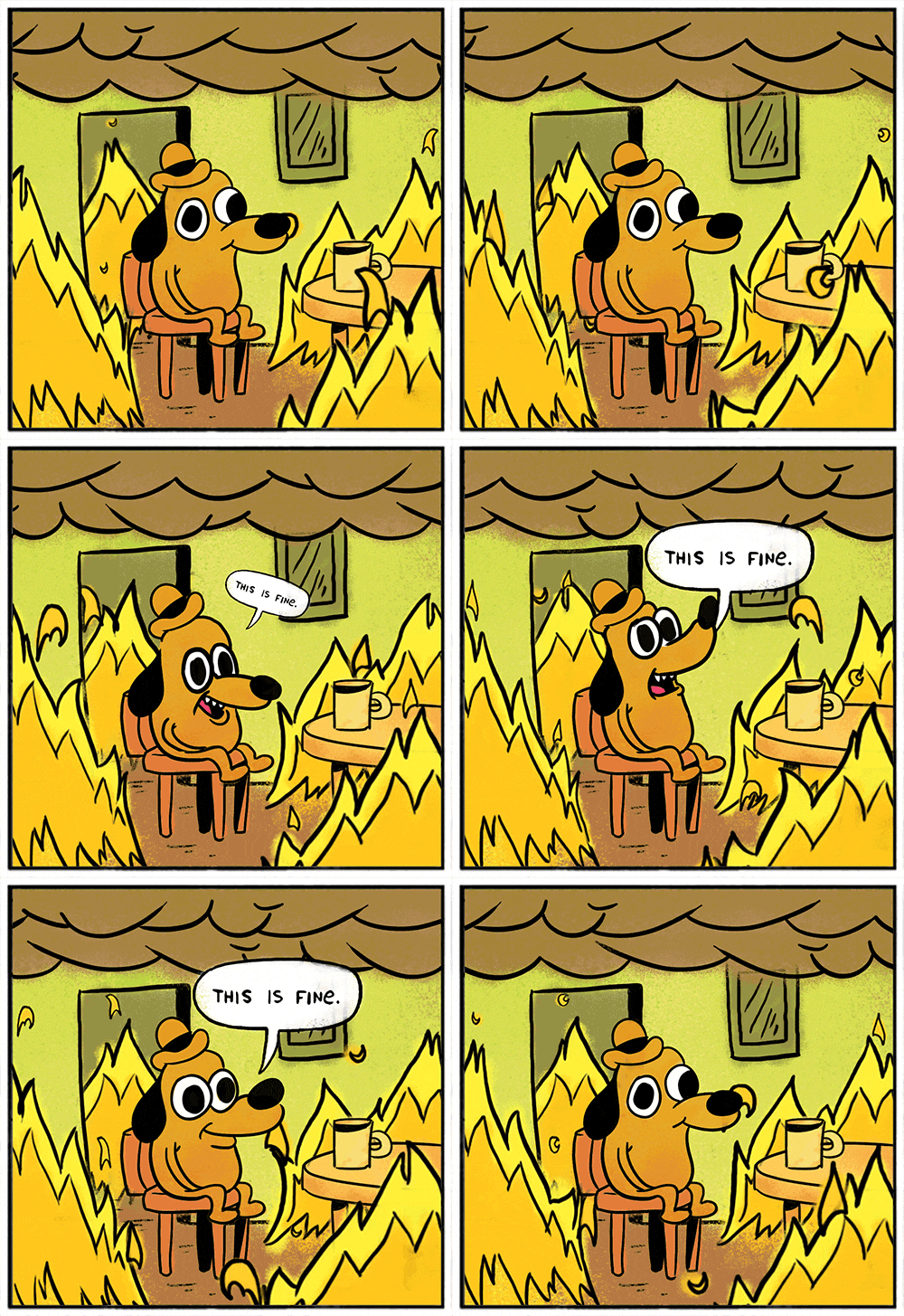
If you've been working with Python, you've been here before. We all have. You inherit a repo, or return to one of your own after a year, and now you're doing detective work on your own dependencies. Was this package actually needed? Was it added for a long-dead feature? Was it a side effect of installing jupyter on a Tuesday afternoon?
Technically, it's functional. Practically, it's a mess.
What requirements.txt Is and Isn't
At first glance, requirements.txt looks like your source of truth for the project's dependencies. And that's... sort of true.
But it's also definitely not.
requirements.txt is not some sacred manifest of your application's actual needs. It's just a snapshot — a list of whatever happened to be installed in your environment at the time you ran the freeze command.
And unless you're extremely disciplined (spoiler: most teams aren't), that file ends up packed with junk from every experiment, tool, and tutorial detour you've touched in the last six months.
The default behavior most teams fall into is this:
pip freeze > requirements.txt
But now you've frozen everything — not just your app's direct dependencies, but also the stuff that got pulled in because you once installed a linter or some random plugin that dragged five different date libraries along with it.
For example, you can end up with a requirements.txt that looks like this:
# requirements.txt
numpy==1.17.4
pandas==0.24.2
python-dateutil==2.8.1
pytz==2019.3
six==1.13.0
Which of these dependencies were actually your idea?
If you guessed "just pandas", you hit the nail on the head.
You didn't need six. Your app didn't import pytz. And you have no memory of ever touching python-dateutil directly. So, why are they here? Because pandas needed them. And pip freeze doesn't know which library is a direct or transitive dependency — it just dumps the whole dependency graph into it.
So if requirements.txt isn't the right place to pin everything... what is?
Allow me to introduce you to something criminally underused:
Meet constraints.txt
Alright, so as we just covered requirements.txt is a messy snapshot. But what if we could separate intent from implementation?
What if instead of the "snapshot" file, you had one file that says "here's what I actually depend on" and another that says "here's exactly how I want it pinned"?
Turns out, pip has had support for this the whole time. Since v7.1, we've had the --constraint flag available, and yet almost no one uses it.
Let's fix that.
Think of it like this:
requirements.txt: what you intentionally useconstraints.txt: what version everything should be
It looks like this:
python -m pip install -r requirements.txt -c constraints.txt
Simple, right? With this setup, your requirements.txt becomes a clean, minimalist list of top-level dependencies — the ones you meant to include.
# requirements.txt
--constraint constraints.txt
pandas
And constraints.txt carries all the frozen libs, including the transitive stuff:
# constraints.txt
numpy==1.17.4
python-dateutil==2.8.1
pytz==2019.3
six==1.13.0
Why this system works great:
- Your
requirements.txtstays readable and intentional - You still lock every version in the graph — without pretending you wrote them all by hand
- You get full traceability into why something's installed
Want to upgrade a library? Edit constraints.txt. Want to debug something weird? You've got the full graph. Want to wipe and re-freeze? No sweat.
And yeah — go ahead and embed the constraint in every requirements*.txt you maintain:
# requirements.txt
--constraint constraints.txt
flake8
black
pytest
Now you've got control without clutter.
Tools and Practices
Alright, you're convinced. You're in the church of constraints.txt. But how do you scale this to a team — or an entire org?
Here's how to build a dependency hygiene routine your future self (and your team) will high-five you for:
1. Use pip-tools
Let pip-compile do the heavy lifting. Instead of manually freezing and curating garbage, you get a clean separation between declared and resolved dependencies:
pip-compile --output-file constraints.txt requirements.in
Now requirements.in is just your direct deps:
# requirements.txt
flask
requests
And constraints.txt becomes:
# constraints.txt
click==8.1.3
flask==2.2.5
itsdangerous==2.1.2
...
Boom. Deterministic. Auditable. Machine-friendly.
2. Automate refreshes
Set up a weekly GitHub Action or CI job to regenerate constraints.txt and open a pull request. Add tests. Auto-merge if green. Fresh dependencies, no human effort.
3. Log your dependency graph
Use pipdeptree or poetry show --tree to dump the full dependency tree. Drop it in your repo or CI logs. This is great for debugging, onboarding, and understanding what's pulling in what (and why).
4. Document your damn process
Seriously. Don't make people guess.
Put the workflow in README.md or CONTRIBUTING.md:
- Where to pin versions
- How to regenerate the constraints
- Which tools to use and why
Dependency hygiene is a team sport. Make it easy to play.
Org-Level Constraints
This gets even more interesting at scale.
Imagine an org-wide constraints.txt that defines sanctioned versions of critical packages — for security, compatibility, or performance reasons.
- That internal API changed, but the downstream projects haven't caught up yet.
- Some legacy apps need older versions. New ones don't.
- You want consistent versions across all projects until migration is done.
Or say you've got Docker containers built with hand-optimized binaries for numpy, scipy, tensorflow, and opencv. These are compiled specifically for your production infra (AVX2, CUDA, whatever). Just bake those versions into constraints.txt and let your teams build against that.
Don't just freeze your environment. Engineer it.
EDIT: Unexpectedly, Michael Kennedy and Brian Okken from Python Bytes discussed the original blog post on the show, check it out if you're interested: